
#SQL

Chirps tagged with #SQL

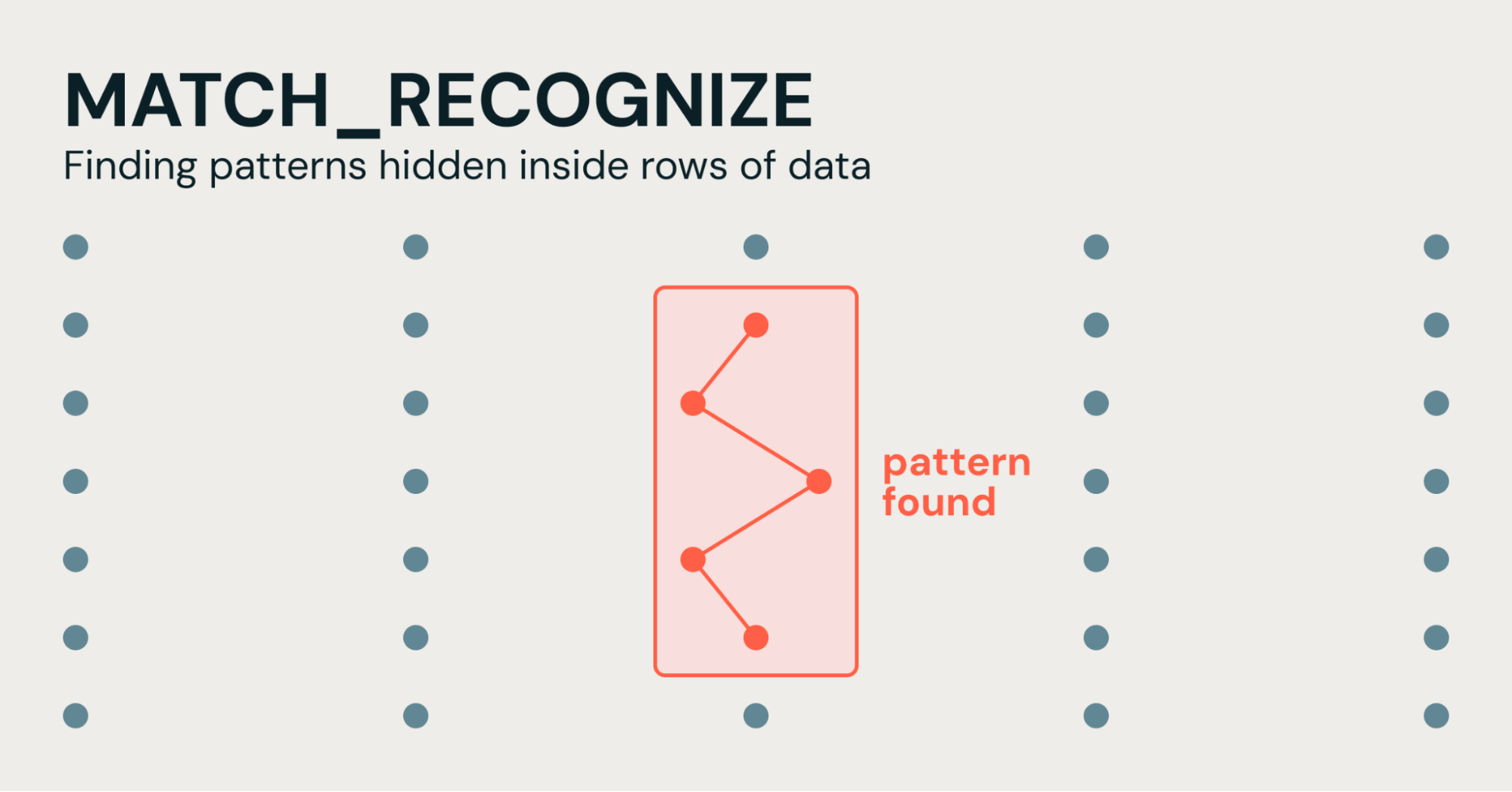
The goal is to identify ecommerce users who show strong purchase intent but ultimately do not complete a purchase. A high-value failed conversion pattern includes users who view a product at least twice, add it to their cart, and then become inactive for a defined period. This group can help product managers target reminder campaigns, estimate how much revenue might be recovered, and identify potential issues such as products being priced too high. Because there is no explicit “abandoned” event, abandonment must be inferred from the absence of activity after the cart addition and a sufficient idle period. Traditional #SQL requires techniques such as NOT EXISTS, self-joins, and window functions to establish that no later activity occurred. MATCH_RECOGNIZE simplifies this by using the end-of-partition anchor $ to ensure the cart addition is the final event, combined with a time filter to define the abandonment timeout.


SELECT *
FROM (
    SELECT *
    FROM web_clickstream
    MATCH_RECOGNIZE (
        PARTITION BY session_id
        ORDER BY event_time
        MEASURES
            FIRST(VIEW.event_time) AS journey_start,
            COUNT(VIEW.*)          AS total_product_views,
            ADD_TO_CART.event_time AS last_activity_time
        ONE ROW PER MATCH
        AFTER MATCH SKIP PAST LAST ROW
        PATTERN (VIEW{2,} ADD_TO_CART $)
        DEFINE
            VIEW        AS event_type = 'VIEW_PRODUCT',
            ADD_TO_CART AS event_type = 'ADD_TO_CART' AND cart_item_count > 0
    )
)
WHERE last_activity_time < current_timestamp() - INTERVAL 30 MINUTES;
https://www.databricks.com/blog/regex-rows-simplifying-pattern-detection-sql-matchrecognize
Open Graph Image
www.databricks.com

Simplifying Pattern Detection with MATCH_RECOGNIZE | Databricks Blog

Databricks solves complex sequence detection with MATCH_RECOGNIZE, bringing regex-style pattern matching to relational data, without self-joins or chained CTEs.

Oracle AI Database 26ai adds native support for Operational Property Graphs through #SQL/#PGQ, allowing developers to query connected data directly with #SQL. The webcast demonstrates Oracle’s integration with Linkurious’ Ogma library, showing how graph queries can be turned into interactive visualizations of large-scale networks without complex data pipelines or transformations:

https://us02web.zoom.us/webinar/register/2917289133152/WN_0Czk-h_mTk6MYy8-VedxVg#/registration

Open Graph Image
us02web.zoom.us

Welcome! You are invited to join a webinar: Graph Analytics with Oracle AI Database 26ai and Linkurious Ogma. After registering, you will receive a confirmation email about joining the webinar.

Graph data is essential for understanding complex relationships in modern applications. Oracle AI Database 26ai introduces native support for Operational Property Graphs via SQL/PGQ, enabling developers to model and query connected data directly with SQL. In this technical webcast, Oracle and Linkurious showcase a new integration with Ogma, a high-performance JavaScript graph visualization library. Learn how to query property graphs using SQL/PGQ and seamlessly visualize large-scale networks in the browser using the Ogma Oracle connector. We’ll demonstrate how to move from graph queries to interactive visual exploration, helping developers uncover patterns, investigate connections, and build graph-powered applications efficiently—without complex data pipelines or transformations.

Can #SQL Understand JSON? JSON_EXTRACT in Exasol can return multiple fields from the same JSON string in one call, each mapped to a typed output column through an EMITS clause:


SELECT id,
       e.order_id,
       e.customer
FROM order_events,
     JSON_EXTRACT(json, '$.order_id', '$.customer')
       EMITS (order_id INT, customer VARCHAR(100)) e;

Open Graph Image
www.exasol.com

Can SQL Understand JSON?

Learn how to query JSON with SQL in Exasol using JSON_VALUE and JSON_EXTRACT, then use extracted values alongside relational data.

Oracle AI Database 23.26.1 added the DATEDIFF function:
DATEDIFF ( <unit>, <start date>, <end date> )

Despite the name this is not computing elapsed time. It counts the time boundaries crossed.

some examples:


#SQL> select DATEDIFF(year,sysdate-1000,sysdate) yr;
        YR
----------
         3
1 row selected.
#SQL>
#SQL> select DATEDIFF(month,sysdate-1000,sysdate) mth;
       MTH
----------
        33
1 row selected.
#SQL>
#SQL> select DATEDIFF(second,sysdate-1000,sysdate) secs;
      SECS
----------
  86400000
1 row selected.
#SQL>
#SQL> select DATEDIFF(microsecond,systimestamp-numtodsinterval(3.5,'SECOND'),systimestamp) us;
        US
----------
   3500000